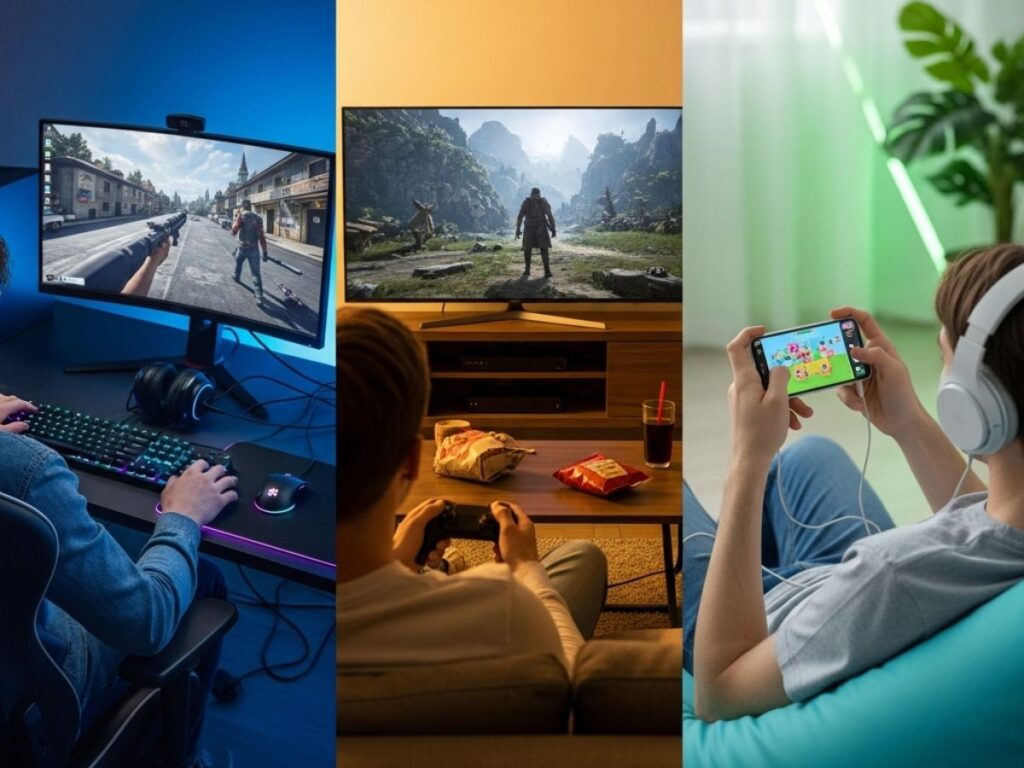
Gaming has never been more accessible. Whether you’re sitting at a desk with a powerful PC, relaxing on the couch with a console, or sneaking in a quick match on your mobile phone, there are more ways than ever to play. Each platform offers something unique—graphics, convenience, cost, and community all play a role in shaping the experience. But with so many options, one question remains: which platform is right for you?
This guide breaks down PC, console, and mobile gaming, looking at their strengths, weaknesses, and what kind of gamer each platform suits best.
Also Read: Best free-to-play indie games on PC and mobile
PC gaming: power and flexibility
PCs have long been considered the home of “serious” gaming. With a capable setup, you can enjoy the best graphics, faster frame rates, and the ability to customize nearly every detail. Gaming PCs also support mods, which let you tweak or expand games in ways that consoles and mobiles rarely allow.
Pros:
-
Top-tier graphics and performance
-
Huge library of games, from AAA to indie
-
Mods and custom setups
-
Double up as work or study machines
Cons:
-
High upfront cost for good hardware
-
Regular upgrades needed to stay up-to-date
-
Setup can be complicated for beginners
Best for: Players who want the highest quality and flexibility, and don’t mind investing in hardware.
Console gaming: simplicity and community
Consoles like the PlayStation, Xbox, and Nintendo Switch focus on straightforward gaming. Plug them in, pop in a disc (or download digitally), and you’re ready to play. They are built with gamers in mind, offering exclusive titles and easy online multiplayer.
Pros:
-
Easy to set up and use
-
Exclusive blockbuster games
-
Affordable compared to high-end PCs
-
Couch multiplayer and family-friendly options
Cons:
-
Limited hardware upgrades
-
Games often cost more than PC versions
-
Locked to specific ecosystems
Best for: Players who want hassle-free gaming, exclusive franchises, and a more social, living-room experience.
Mobile gaming: convenience in your pocket
Smartphones have transformed into gaming machines, making it possible to play almost anywhere. From casual puzzle titles to competitive multiplayer games, mobile gaming has grown into one of the largest markets worldwide.
Pros:
-
Always available—play on the go
-
Huge range of free-to-play games
-
Accessible to everyone with a smartphone
-
Quick updates and constant new releases
Cons:
-
Limited controls and smaller screens
-
Heavy reliance on in-app purchases
-
Not ideal for long, immersive sessions
Best for: Players who value convenience and short gaming sessions, or those who don’t want to invest in extra hardware.
Choosing the right platform
Ultimately, the best gaming platform depends on your lifestyle, budget, and preferences. If you want power and customization, go for PC. If you prefer simple, plug-and-play experiences with iconic exclusives, a console is the better choice. If your gaming happens in short bursts while commuting or during breaks, mobile is the clear winner.
For many players today, the answer isn’t one platform—it’s a mix. You might enjoy competitive shooters on PC, family titles on console, and casual games on your phone. The good news is that no matter what you choose, there’s never been a better time to be a gamer.
Also read: 10 indie games under $20 worth every penny
FAQs
Q1. Which is cheaper: PC, console, or mobile gaming?
Consoles are generally cheaper upfront than PCs. Mobile gaming can be free, but many titles rely on in-app purchases.
Q2. Do PCs really have better graphics than consoles?
Yes. A well-built gaming PC can outperform consoles, but it comes at a higher cost.
Q3. Which platform has more games?
PC has the widest library, including indie titles, mods, and big-budget releases. Consoles rely heavily on exclusives.
Q4. Can I use the same controller on all platforms?
Some controllers, like Xbox controllers, work across PC, consoles, and even mobile with Bluetooth.
Q5. Which platform is best for kids?
Consoles and mobile devices are often seen as more kid-friendly due to parental controls and family-focused titles.

