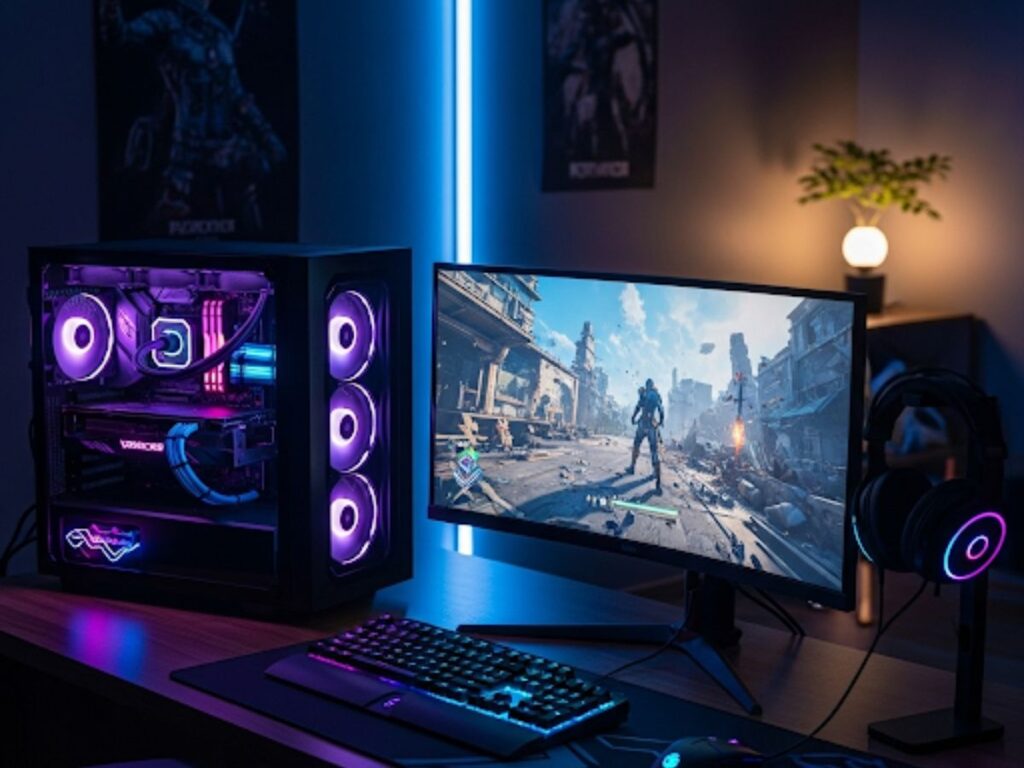
Choosing the right monitor can make or break your gaming experience. While many gamers focus on graphics cards and processors, the monitor you use is equally important. A good monitor can deliver smoother gameplay, sharper visuals, and less eye strain, while a poor one can make even the most powerful setup feel sluggish or blurry. From refresh rates and resolution to panel types and response times, understanding these features will help you pick the perfect screen for your style of gaming. In this guide, we break down the key factors to consider before buying a gaming monitor.
1. Resolution: How sharp should your display be?
Resolution determines the clarity of your images. Common gaming monitor resolutions include:
-
1080p (Full HD): Most affordable and widely supported. Ideal for competitive gamers who prioritise high frame rates.
-
1440p (Quad HD): A balance between visual quality and performance. Works well for both competitive and immersive gaming.
-
2160p (4K Ultra HD): Offers stunning detail but requires a powerful PC or console to run smoothly.
Higher resolutions deliver crisper visuals, but you’ll need a strong graphics card to maintain smooth performance.
Also Read: Silent Hill F release date update
2. Refresh Rate: Smooth gameplay matters
Refresh rate measures how many times per second your monitor updates the image, expressed in Hz.
-
60Hz: Standard for casual gaming.
-
120Hz-144Hz: Ideal for fast-paced games like shooters or racing games.
-
240Hz and above: Designed for professional competitive gaming, offering ultra-smooth motion.
A higher refresh rate reduces motion blur and makes gameplay feel more responsive, especially in competitive titles.
3. Response Time: Reducing ghosting and blur
Response time is how quickly a pixel changes from one color to another, usually measured in milliseconds (ms).
-
1ms to 5ms: Best for gaming. Low response times prevent ghosting and trailing effects.
-
Above 5ms: More noticeable motion blur, better suited for casual gaming or general use.
A fast response time complements high refresh rates for a crisp gaming experience.
Also Read: Top 10 indie games for PS5 and PS4 players
4. Panel Type: TN, IPS, or VA?
-
TN (Twisted Nematic): Fast response times and high refresh rates, but poorer color accuracy and viewing angles.
-
IPS (In-Plane Switching): Excellent color and viewing angles, slightly slower response than TN panels.
-
VA (Vertical Alignment): Good contrast and color depth, moderate response times, ideal for immersive single-player games.
Your choice depends on whether you prioritise speed (competitive gaming) or visuals (immersive single-player experiences).
5. Adaptive Sync: G-Sync vs FreeSync
Adaptive sync technologies reduce screen tearing and stuttering by synchronising the monitor’s refresh rate with your graphics card:
-
NVIDIA G-Sync: For NVIDIA GPU users. Smooths gameplay at higher costs.
-
AMD FreeSync: Compatible with AMD cards, more budget-friendly.
If you have a high-end GPU, pairing it with an adaptive sync monitor improves overall gaming performance.
6. Size and Ergonomics
Monitor size affects immersion. Common gaming sizes:
-
24-27 inches: Perfect for competitive gaming, especially at 1080p.
-
28-32 inches: Best for immersive single-player or 1440p gaming.
-
Above 32 inches: Considered large; works well with 4K resolution for cinematic gaming experiences.
Also, check for height, tilt, and swivel adjustments to reduce neck strain during long gaming sessions.
FAQs
Q1: Do I need a 4K monitor for gaming?
A: Not necessarily. 1080p or 1440p monitors are sufficient for most gamers, especially if your GPU can’t handle 4K at high frame rates.
Q2: Is 144Hz better than 60Hz for all games?
A: High refresh rates improve responsiveness in fast-paced games but may not be as noticeable in slower or story-driven titles.
Q3: Should I choose IPS over TN panels?
A: If color accuracy and viewing angles matter, IPS is better. TN is preferable for competitive gamers prioritising speed.
Q4: Can I use FreeSync with an NVIDIA GPU?
A: Yes, most modern NVIDIA GPUs support FreeSync, but G-Sync monitors offer better optimisation.
Q5: What’s the ideal response time for gaming?
A: A monitor with 1ms to 5ms response time is recommended for smooth visuals and minimal motion blur.