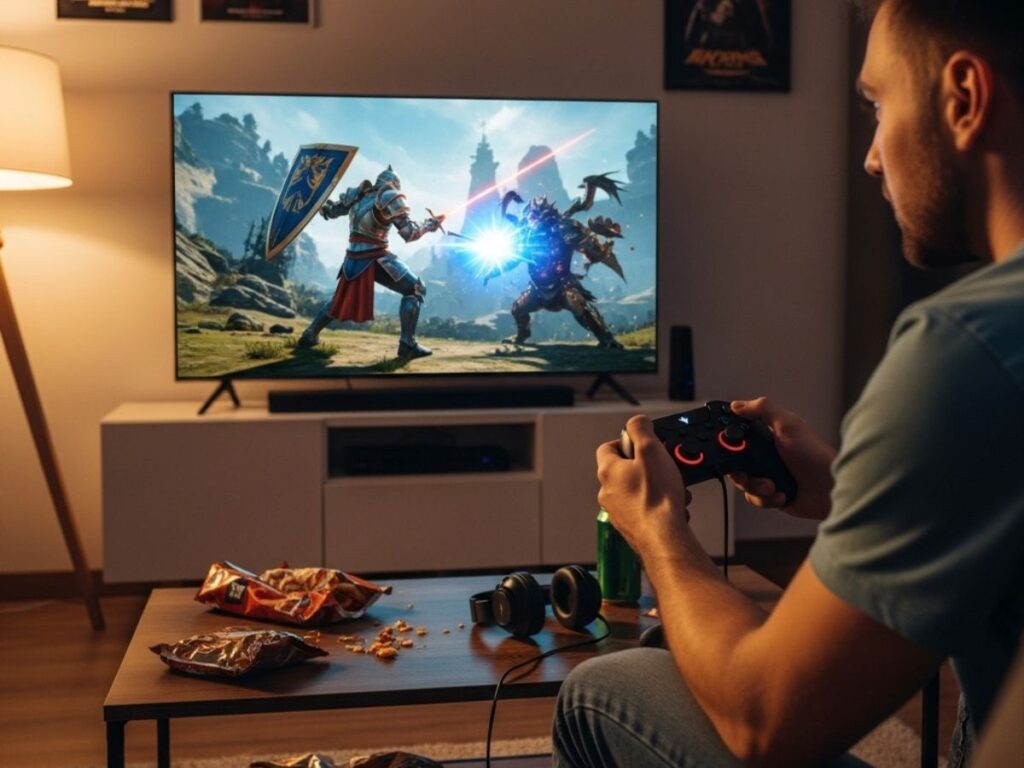
Whether you play casually on weekends or spend hours grinding through competitive matches, the right accessories can make a huge difference in your gaming experience. Headsets, keyboards, and controllers are not just add-ons; they directly impact how you hear, react, and control your game. With so many options in the market—wired vs wireless, mechanical vs membrane, budget vs premium—it can feel overwhelming to know where to start. This guide breaks down what really matters when choosing a gaming headset, keyboard, or controller, so you can make smart decisions based on your budget, platform, and style of play.
Choosing a gaming headset
A headset is more than just for hearing sound; it gives you awareness, communication, and immersion. Here’s what to look for:
-
Sound quality: Look for headsets with surround sound or spatial audio for directional awareness in shooters.
-
Comfort: Padded earcups and adjustable headbands matter if you play for long sessions.
-
Microphone quality: A clear mic is essential for team-based games. Detachable or flip-to-mute mics add convenience.
-
Wired vs wireless: Wired offers stable performance, while wireless gives mobility but depends on battery life.
-
Compatibility: Ensure the headset works with your platform (PC, PlayStation, Xbox, or Switch).
Also Read: How to build a budget gaming PC: Here is an easy 10-step guide
Choosing a gaming keyboard
For PC gamers, the keyboard is your main control device. Choosing the right one affects both comfort and performance:
-
Mechanical vs membrane: Mechanical keyboards offer tactile feedback and durability, while membrane keyboards are quieter and cheaper.
-
Switch type: Linear (smooth), tactile (slight bump), and clicky (loud, responsive) switches each suit different playstyles.
-
Build quality: Metal or reinforced plastic frames last longer than standard designs.
-
Backlighting: RGB is popular, but even single-color backlighting helps in low-light gaming setups.
-
Extra features: Macros, anti-ghosting, and wrist rests are useful for long sessions and complex games.
Also Read: PC vs console vs mobile gaming, which is right for you?
Choosing a gaming controller
If you play on consoles or prefer a controller on PC, picking the right one is about comfort and customization:
-
Ergonomics: The shape, grip, and weight should feel natural for your hands.
-
Button layout: Check if the layout matches your gaming style; customizable buttons can help.
-
Wired vs wireless: Like headsets, wired controllers have no input lag, while wireless gives more freedom.
-
Special features: Some controllers include adaptive triggers, vibration feedback, or extra paddles for advanced play.
-
Compatibility: Make sure the controller supports your platform and games.
There is no single “best” headset, keyboard, or controller—it depends on what kind of gamer you are. A competitive player may prioritize precision and low latency, while a casual gamer may look for comfort and affordability. By focusing on core features like sound quality, comfort, responsiveness, and compatibility, you can find gear that enhances your gaming experience without unnecessary extras.
FAQs
Q1. Do I need a gaming headset or will regular headphones work?
Regular headphones work for basic use, but gaming headsets offer microphones, surround sound, and directional audio designed for games.
Q2. Are wireless gaming accessories reliable?
Yes, modern wireless headsets and controllers have low latency, but competitive players still prefer wired for stability.
Q3. What keyboard switch type is best for gaming?
It depends on preference. Many gamers prefer linear or tactile switches for smooth and fast response.
Q4. Can I use a PlayStation or Xbox controller on PC?
Yes, most modern PlayStation and Xbox controllers are compatible with PC through USB or Bluetooth.
Q5. Should I buy accessories from the same brand?
Not necessary. Choose each accessory based on performance and comfort, not brand matching.