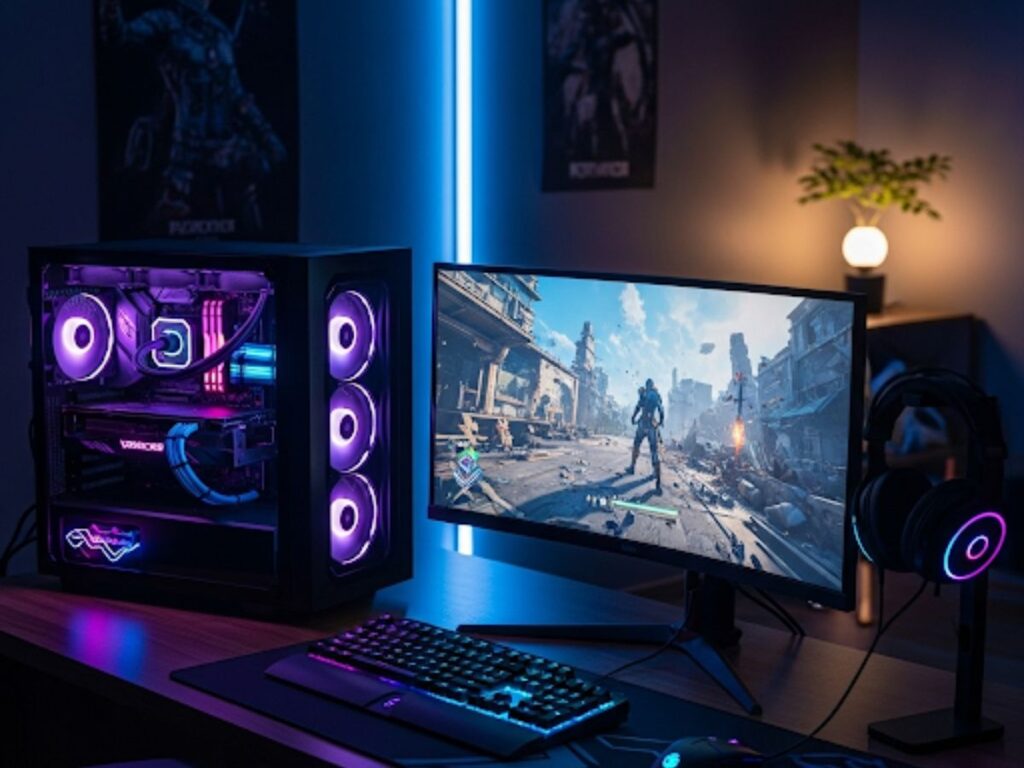
Building a gaming PC doesn’t have to burn a hole in your pocket. Many people believe you need the latest high-end parts to enjoy modern games, but the truth is you can put together a powerful machine on a budget if you plan wisely. Whether you’re a student, a casual gamer, or someone looking to ditch consoles for a PC setup, this guide will walk you through every step of building a budget-friendly gaming computer.
The goal here isn’t to chase ultra settings or expensive RGB builds—it’s to get reliable performance at 1080p or even 1440p in some cases, without overspending. By picking parts that balance price and performance, and assembling them correctly, you can create a system that handles today’s most popular games while leaving room for future upgrades.
Step 1: Set your budget and expectations
Before you start adding parts to your cart, decide how much you can realistically spend. A budget gaming PC often ranges from $500–$800 depending on your region. With this amount, you can aim for smooth 1080p gaming in most modern titles and higher frame rates in esports games like Fortnite, Valorant, and CS2.
Also Read; Best free-to-play indie games on PC and mobile
Step 2: Choose the right processor (CPU)
The CPU is the brain of your computer. For a budget build, you don’t need the latest flagship chips. Look for mid-range options like:
-
AMD Ryzen 5 (great multi-core performance at affordable prices)
-
Intel Core i5 (solid for gaming and multitasking)
Tip: Avoid overspending on top-end CPUs if gaming is your main goal—games depend more on the GPU.
Step 3: Select a graphics card (GPU)
Your graphics card decides how well your PC can run games. On a budget, focus on value GPUs rather than premium ones. Good options include:
-
NVIDIA GTX 1660 Super, RTX 3050
-
AMD Radeon RX 6600
These cards can comfortably run most modern games at 1080p on medium-to-high settings.
Step 4: Pick the right motherboard
Choose a motherboard that matches your CPU (AMD or Intel) and supports future upgrades. For budget builds:
-
Look for B-series motherboards (B450, B550, B660)
-
Ensure it has enough slots for RAM, storage, and USB ports
Step 5: Get sufficient RAM
Games today need more memory than ever. The sweet spot for a budget gaming PC is:
-
16GB DDR4 RAM (2x8GB sticks for better performance)
This is enough for gaming and basic multitasking like streaming or browsing while playing.
Also read: 10 indie games under $20 worth every penny
Step 6: Choose storage wisely
Fast storage means faster load times. For budget builds:
-
500GB SSD (NVMe preferred) for Windows and main games
-
Add a 1TB HDD if you need extra space for large game libraries
Step 7: Select a power supply unit (PSU)
Never cheap out on the PSU—it powers every component. Look for:
-
500–600W PSU with at least 80+ Bronze certification
-
Reputable brands like Corsair, Cooler Master, EVGA
Step 8: Pick a case and cooling
Your case doesn’t need to be fancy. Choose one that:
-
Fits your GPU and motherboard size
-
Has good airflow
-
Comes with at least one or two fans included
Budget gamers can stick with stock CPU coolers unless planning to overclock.
Step 9: Assemble the PC
-
Place the CPU into the motherboard socket
-
Install RAM and M.2 SSD if available
-
Mount the motherboard into the case
-
Install PSU and connect power cables
-
Mount GPU securely into the PCIe slot
-
Connect storage drives and case fans
-
Double-check connections before powering on
Step 10: Install your operating system and drivers
After assembling, install Windows or Linux, then update your GPU and motherboard drivers. This ensures your system runs smoothly.
Building a budget gaming PC is about smart choices, not flashy parts. With careful planning, you can get a rig that plays popular games smoothly, supports streaming, and lets you upgrade later without starting from scratch. Instead of overspending on prebuilt machines, this step-by-step approach gives you more control, performance, and value.
FAQs
Q1. Can I build a gaming PC for under $500?
Yes, but it will mostly target esports titles and older games. For newer AAA titles, aim for at least $600–$800.
Q2. Do I need to buy Windows separately?
Not necessarily. Windows can be downloaded and installed for free with limited features, or you can buy a license for full activation.
Q3. Should I get an SSD or HDD first?
Always start with an SSD—it makes your system much faster. Add an HDD later for extra storage.
Q4. How long will a budget gaming PC last?
A well-built budget PC can easily last 4–5 years for 1080p gaming, with occasional GPU upgrades.
Q5. Is building a PC difficult for beginners?
No. With online tutorials and careful steps, even beginners can successfully build a gaming PC.